
FXViewRate for Mac, iPhone and iPad
Exchange rates where you look.
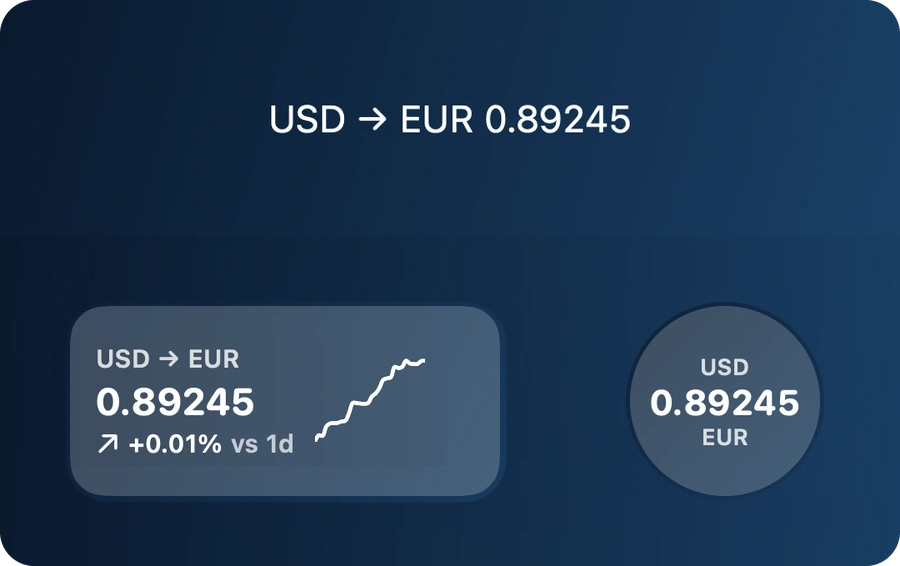
Clean widgets for the currency pairs you follow, on your Mac desktop, your iPhone and iPad Home Screen and the Lock Screen, with a converter and the history of every rate.
1.99 USD, one purchase. No subscription.
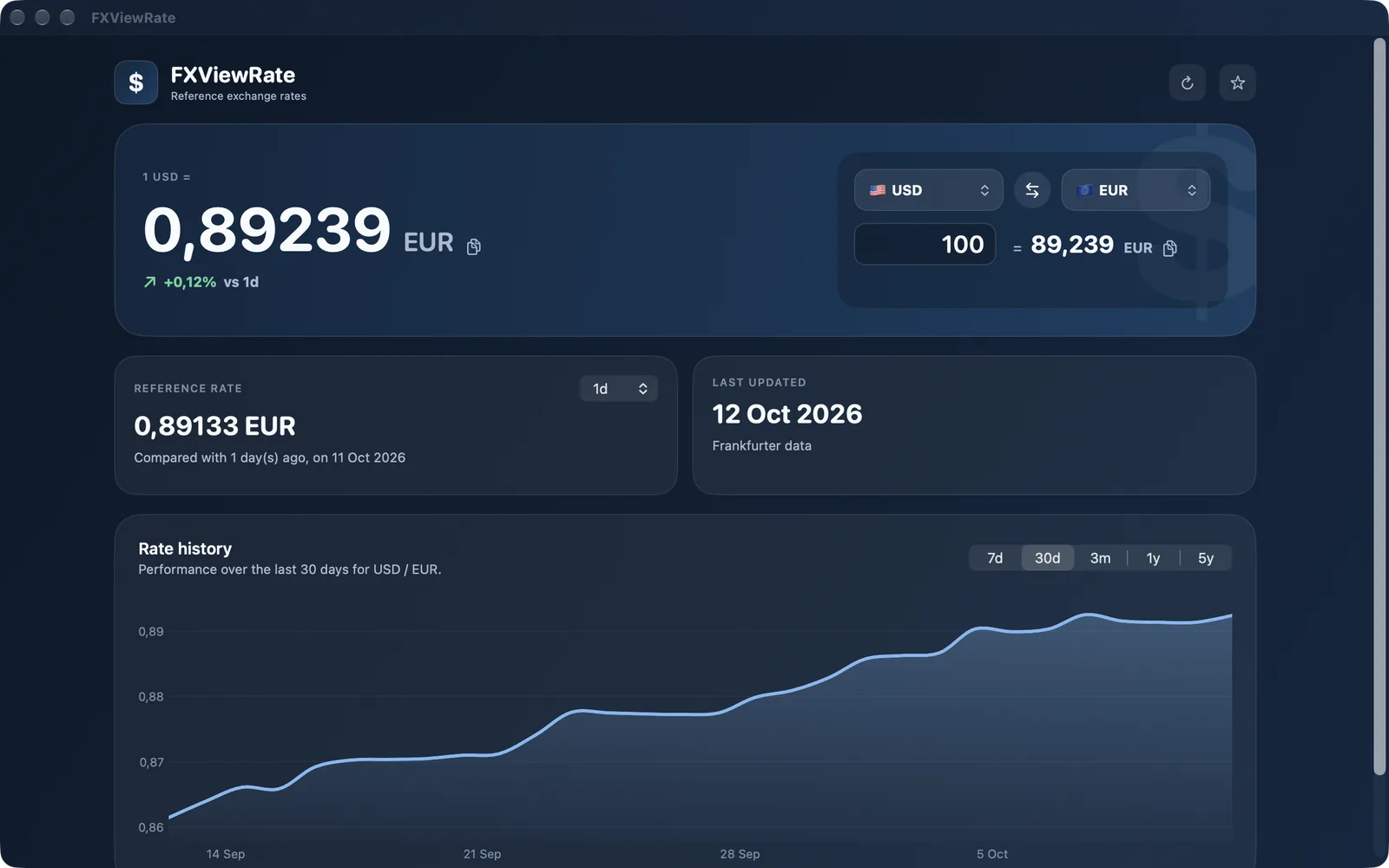
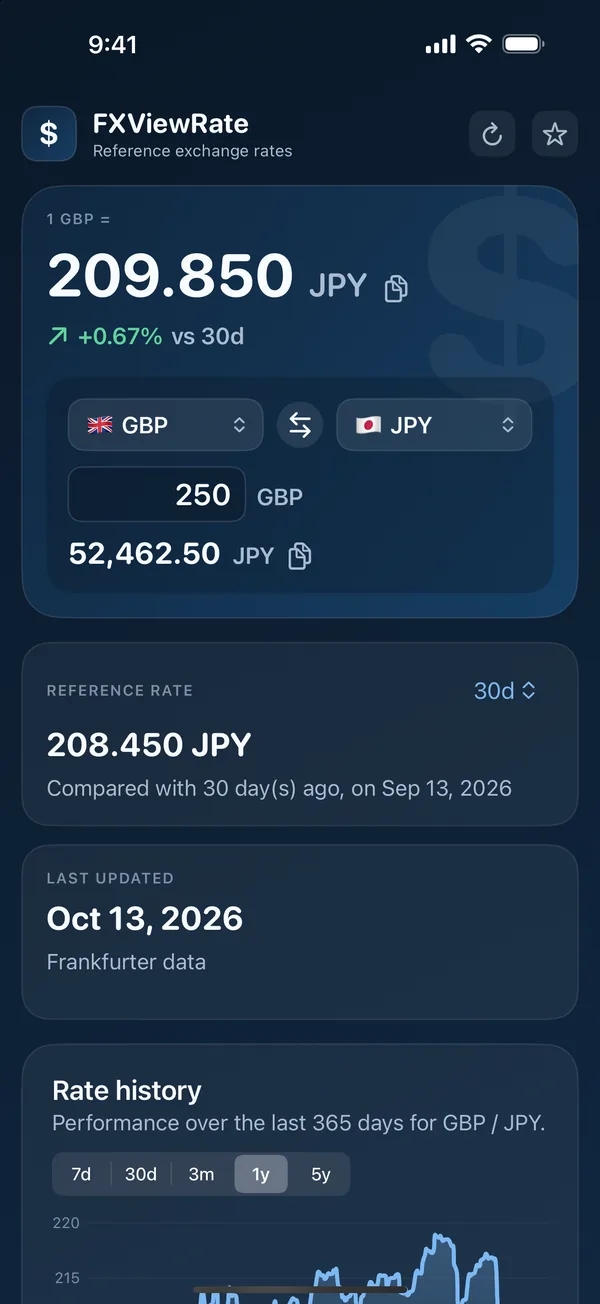
Your rates, always visible
Mac desktop
- Small, medium and large widgets
- One currency pair and one amount per widget
- Set each widget right from the desktop
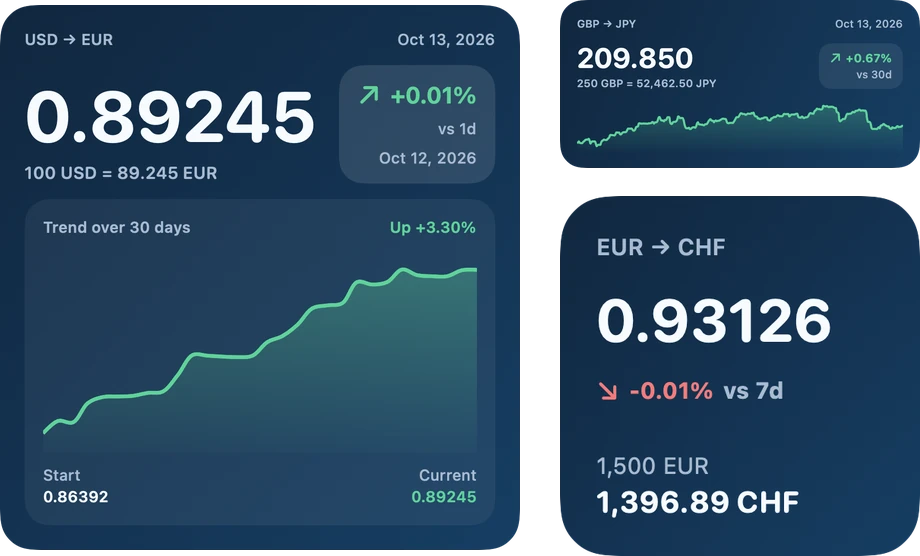
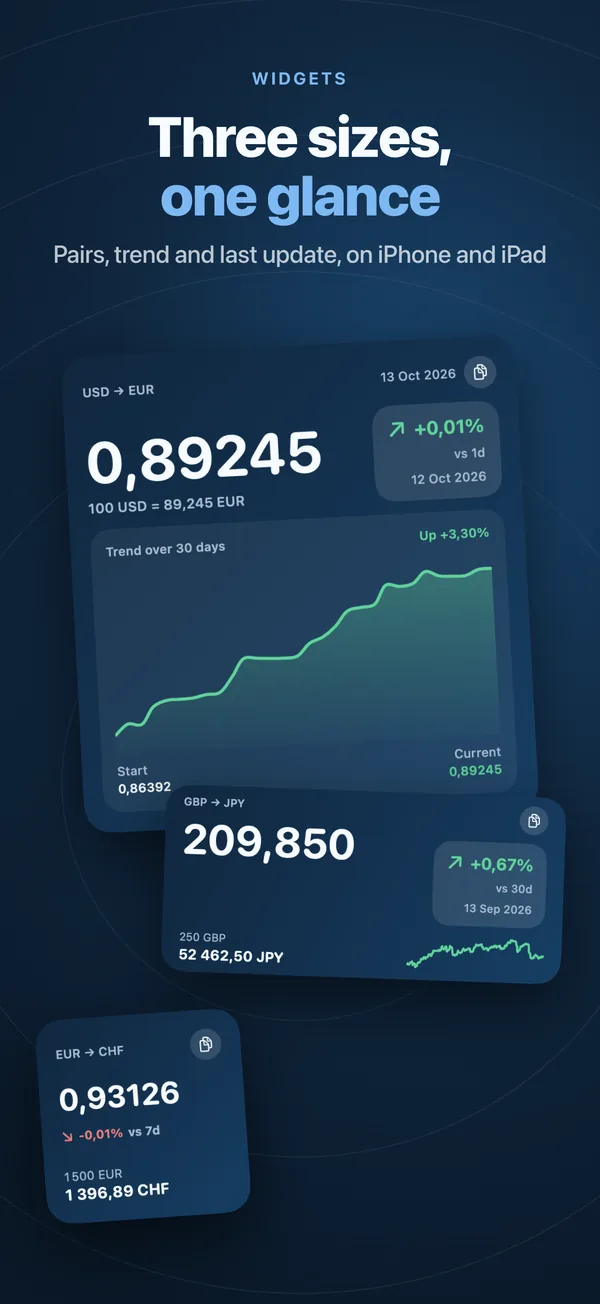
iPhone and iPad Home Screen
- The same three sizes on the Home Screen
- The change since a day of your choice, in green or red
- A trend chart on the large widget
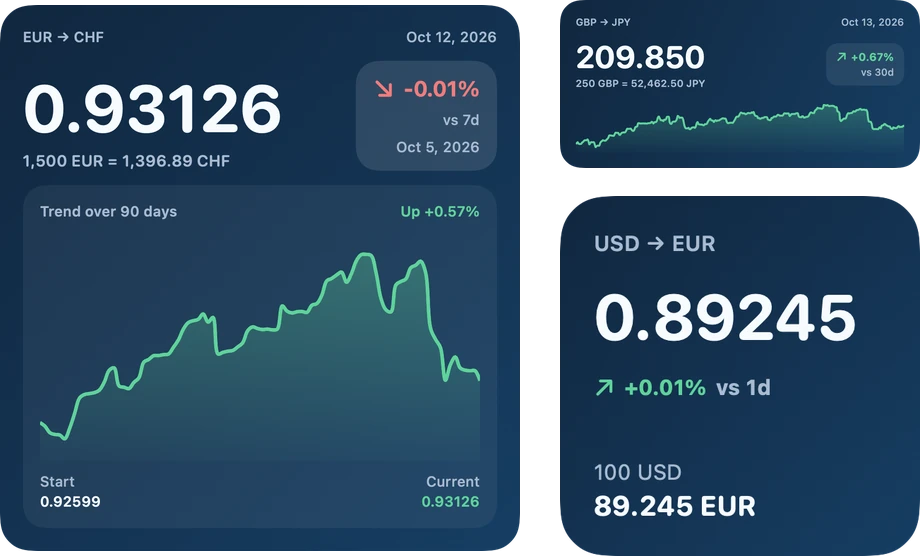
iPhone Lock Screen
- Circular, rectangular and inline widgets
- The rate of your pair without unlocking
- Copy the rate in one tap in the app
Track exchange rates at a glance
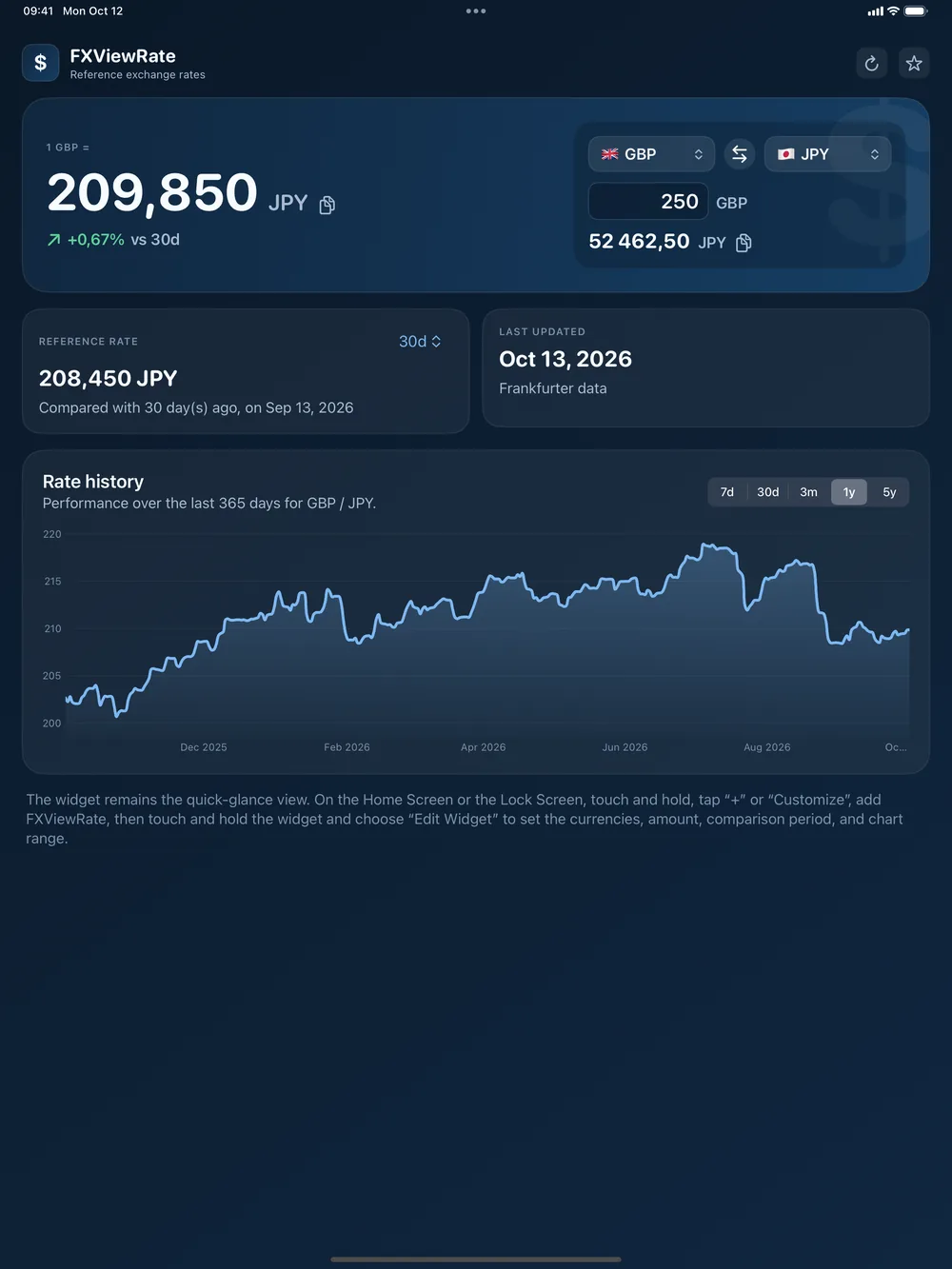
The app itself is a small dashboard for the pair you want to look at.
Converter
Any amount from one currency to another, and back in one click.
Rate history
A chart from 7 days to 10 years, with the rate of any day under the pointer.
Change
How much a rate moved since 1 day, 1 week, 1 month or more.
Copy
Copy a rate or a conversion to paste it in a quote or an email.
Always up to date
Reference rates from central banks, through the open Frankfurter service.
Works offline
The last known rate stays visible when you have no connection.
Remembers your pair
Your last pair and amount are there when you open the app.
Light and native
Native on Mac, iPhone and iPad, fast to open.
What's new
Version 1.31
October 2026
- New design, built around the app icon
- FXViewRate is now on iPhone and iPad, with Home Screen and Lock Screen widgets
- The last known rate stays visible when you are offline
- Your last pair and amount are remembered
- Clearer messages when a rate is not available
- Fixes and a more reliable widget refresh
Nothing to track you
No account, no ads, no analytics. The app only asks the rate service for the currency pairs you follow, and your settings stay on your device.
Questions
How do I add a widget?
On the Mac, open FXViewRate once, then right click the desktop, choose Edit Widgets and drag FXViewRate Exchange Rate onto the desktop. Right click the widget and choose Edit Widget to pick its currencies. On iPhone and iPad, touch and hold the Home Screen or the Lock Screen, tap the plus button, choose FXViewRate and touch the widget to set its currencies.
How often are the rates updated?
The widgets refresh every few hours. The reference rates themselves are published once per working day by the central banks, so they do not move during the day.
Can I use it for trading?
No. These are daily reference rates, good to follow a trend or prepare a quote, not live market prices.
Which devices are supported?
Any Mac with macOS 14 Sonoma or later, and iPhone and iPad with iOS 17 or later.
Built by Decodr.tech
We also build software for companies
Odoo development, migrations, support and native apps for Mac and iPhone.